
The rules
-
Chapter 1
The mindset
Two ideas everything else builds on.
-
Chapter 2
Connections and accounts
What AI can plug into, and whose account holds your data.
-
Chapter 3
Devices and files
Where AI runs, and what it can find once it’s running.
-
Chapter 4
Your safety net
Backups AI can’t reach, and logs someone reads.
-
Chapter 5
Tricks and scams
Tricks aimed at your AI, and scams that use AI against your people.
-
Chapter 6
Owning it
Your responsibility for AI, and the policy and training that go with it.
Do this week
- Switch staff from personal AI accounts to company ones. Rule 4
- Stop staff approving apps themselves, and review the apps already approved. Rule 3
- Turn off “Anyone” sharing links before switching AI on. Rule 6
- Check who can open your HR and finance files, and what each AI tool can reach. Rule 1
- Test a restore, and time it. Rule 7
- Agree a call back rule for any request to move money or share records. Rule 10
Common questions
Is it safe to use ChatGPT or other AI tools at work?
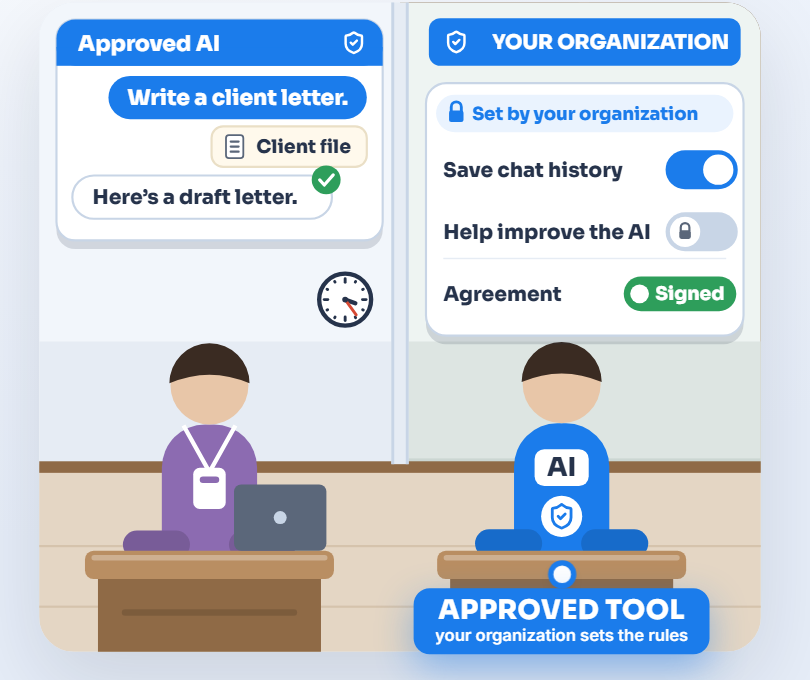
It can be, with a company account. Business AI accounts under a company agreement come with admin controls and terms that keep your data out of model training by default. Free and personal accounts often allow training, and some have people review chats. Rule 4
Should we connect AI to our email and files?
Not to the same AI. An AI that reads your email reads whatever outsiders send, and it can’t reliably tell their hidden instructions from yours. In 2025, researchers showed that a single crafted email, never even opened, could make Microsoft’s work assistant leak internal data. Keep email and internal files in separate AIs, approve every connection, and start with read only access. Rule 9
Can AI show staff files they shouldn’t see?
Yes, if those files are shared too widely. AI that searches your files respects your permissions, so a folder shared with everyone years ago is still shared with everyone, and AI makes it easy to find. Fix file sharing before you switch AI on. Rule 6
Can an AI tool delete our data?
It can, if its access allows it. In April 2026, an AI coding agent at a software company found a key made for managing web domains that could do anything on the company’s hosting account. It deleted the live database, and its backups, in 9 seconds. The hosting company restored the data within an hour (The Register). Limit what each AI can change, and keep backups it can’t reach. Rule 7
Do we need customers’ permission to put their information into AI?
Usually not customer by customer. What protects them is your agreement with the AI vendor, so use business accounts and check the terms. Check your own contracts and privacy notice too. Some fields have their own rules: a medical office needs a business associate agreement that covers the AI product; a tax preparer needs the client’s signed consent before sharing tax return information with an outside service, unless a narrow IRS exception applies; and a school must meet FERPA’s conditions for outside services. If you’re unsure, ask your attorney. Rule 11
Do we need an AI policy?
Yes, and one page is enough to start. Name the approved tools, say what must never go into AI, and say who to ask. People do the right thing when they know what it is. Rule 12
Downloads
Technology, managed by people.
The real McCoy: real oversight, real understanding, real answers. Start with a free AI Check.