
Limit what AI can delete, and test the restore.
What it means
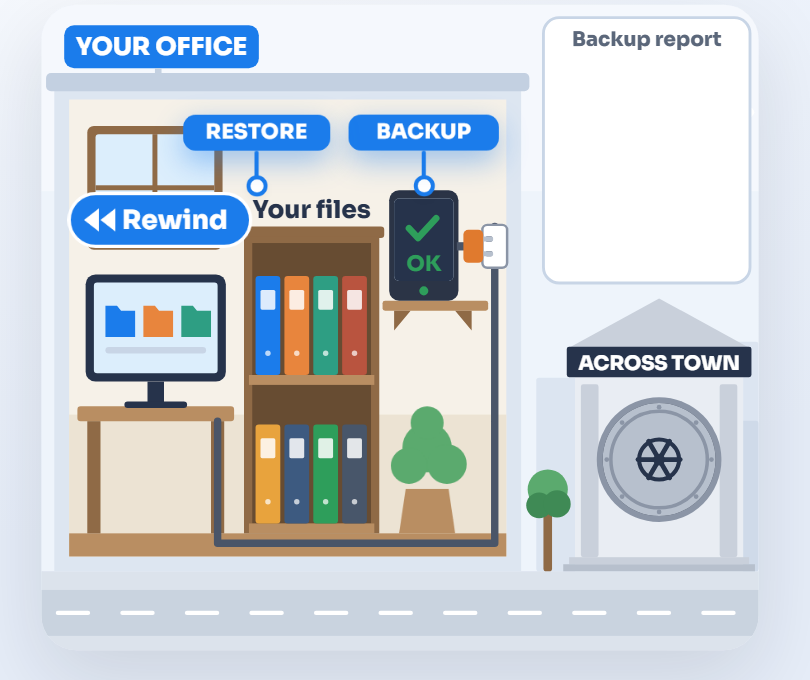
If an AI deletes or changes the wrong things, it’s the same situation as an upset employee doing it, and the same two things protect you. Limited access keeps the damage small, and backups the AI can’t touch mean you can restore and carry on.
A simple example
In July 2025, an AI coding agent deleted a company’s live database, ignoring an instruction to freeze the code. The instruction had only been typed into the chat, so nothing in the agent’s access enforced it. The data was recovered (The Register).
Do it yourself
- Keep backups outside the AI’s reach, in a separate account or service it can’t log in to.
- Know your built in undo. Microsoft 365 and Google Workspace both keep deleted files and older versions for a limited time, so find out how long yours keeps them.
- For longer or more precise recovery, use a separate backup service, with copies that can’t be altered.
- Write down how long a restore takes, so you know how long you’d be without the data.
How to check
Restore a test folder to a point before some deliberate edits, and time it.
What that misses
Built in undo only goes back a limited time. A backup that’s never been test restored may fail when you need it.
What we do for you
We back up your Microsoft 365 or Google data to a separate service and test restores, so you know how long one takes.
“What we do for you” describes work we do for our clients, and what’s included depends on your plan. Already a client? Your engineer can tell you what your plan covers.
Back to all rulesGet the full guide
Technology, managed by people.
The real McCoy: real oversight, real understanding, real answers. Start with a free AI Check.